
Redeem Choose your favorite codes
Practice the shop path now so the first real string is not wasted on a typo.
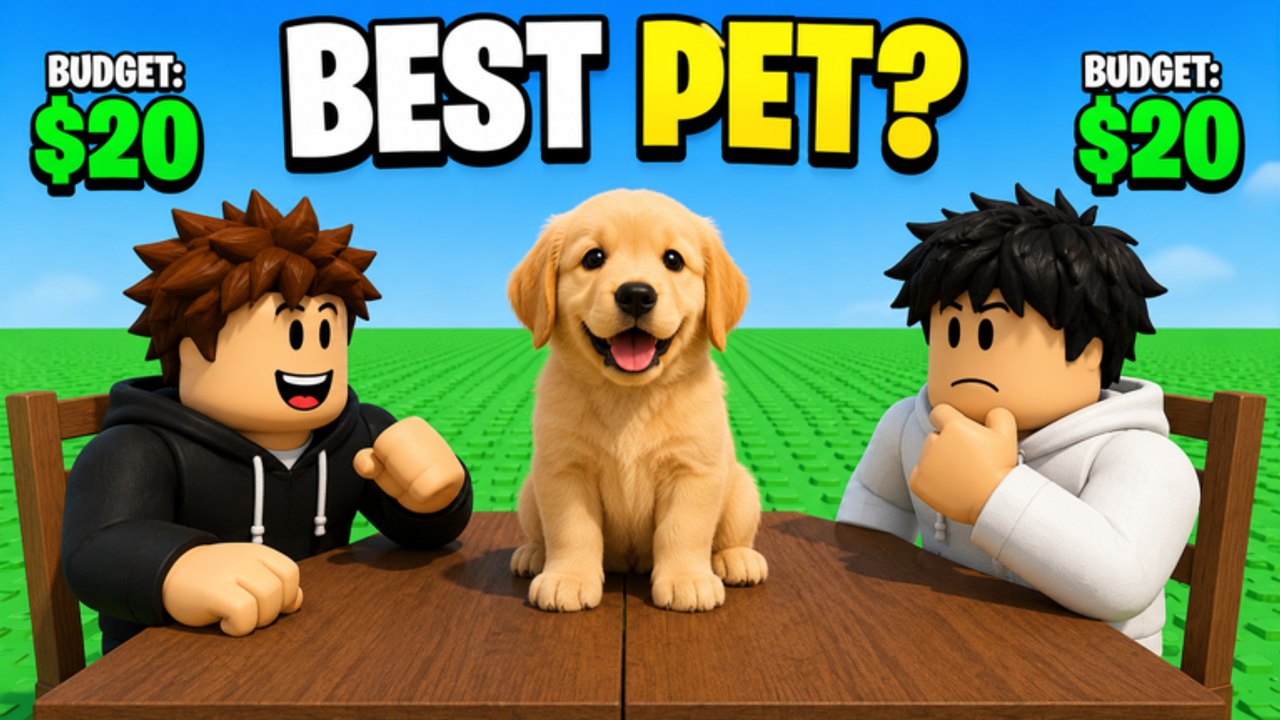
Promo codes in Roblox party games almost always hide one layer deeper than players expect. Choose your favorite is a table-and-board Draft Challenge, not a giant RPG with a phone app, so the redeem box — when Burnt Pancake adds one — will sit next to Cash, chairs, or the Robux shop rather than in a separate “Twitter bird” menu. This page walks the likely path, the failure modes, and how it connects to working codes so you do not paste a YouTuber Star Code into a field that only wants SUMMER20.
Before you type anything
Join the Burnt Pancake group if the shop later gates codes behind membership. Many minigames do this on day one of a code system even if the group shout is still empty. Restart the experience after joining; group benefits often apply only on a fresh session. Then open where to find codes in another tab so you copy from a source that matches this wiki, not a screenshot from a different “choose” game.
If the list on the codes hub still says none confirmed, do not “test” random strings. Failed attempts sometimes rate-limit the box. Spend that minute on how to bid instead.
Likely in-game path
- Launch Choose your favorite on Roblox.
- Leave the draft table if a round is live — shops in this genre usually lock during a bid.
- Open Shop, Cash, or a gift icon on the left or right HUD.
- Scroll past VIP, 2x Cash, 2x Wins, 2x Streak, and the throne chairs until you see Redeem, Codes, or a text field.
- Paste exactly. Case and spacing matter.
- Confirm, then check Cash and the chair checklist if the reward was cosmetic.
Until that field exists, this list is a rehearsal. We will rewrite the numbered steps the day the UI ships. Do not trust a third-party “auto redeem” script; that is how accounts get banned, and script safety exists for a reason.
Why a code fails
Typo or extra space. Copy from the hub table, do not retype Lion-looking fonts.
Expired milestone. Like-goal codes die when the next goal posts. Check updates the same day.
Group gate. Join Burnt Pancake, rejoin the place, try once more.
Wrong product. Star Codes belong at Robux checkout. They never add $3 to an Animal Draft board.
Already claimed. One redeem per account is normal.
If Cash does land, do not dump it into the first $8 pick. Run the number through the draft budget tool and remember the official example board: Lion $8, Dog $5, Shark $4, Eagle $3 still has to fit $20. A code that grants 50 Cash is a different economy than a code that grants 5 — wait for the reward column on the hub before you rebuild a pets lineup.
After a successful redeem
Write down what you received. If it was Cash, decide whether it belongs in the next how to win plan or in how to get chairs. If it was a chair, tick chair tiers. If Burnt Pancake ever ties a code to VIP or 2x Streak, compare gamepass value so you do not buy a pass you just got for free.
Keep this page next to where to find codes. Same category, different job: one is the keyboard, the other is the newsroom. For first-session muscle memory, return to getting started and controls so you can actually open the shop on mobile without sitting down at the table by accident.
Frequently Asked Questions
Quick answers about drafts, chairs, and codes.
Where is the codes button?
Not confirmed in the current HUD. Watch Shop and Cash panels; we will pin the exact label here when it appears.
Do I need to join Burnt Pancake?
Often yes once codes exist. Join early via official links so you are not locked out of the first drop.
Can I redeem on mobile?
Yes if the field exists — use paste, not the tiny keyboard. See controls for HUD tap targets.