
How to play Choose your favorite
From spawn to First Win without donating the whole budget on one Lion.
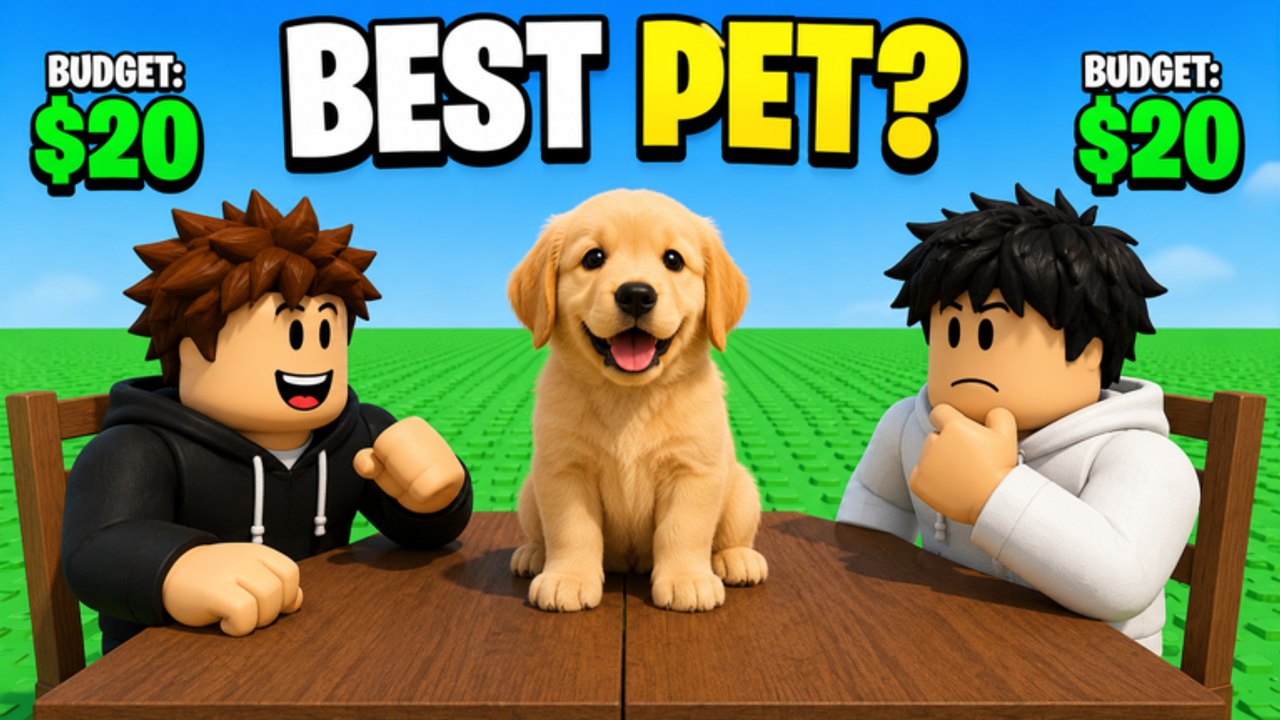
Choose your favorite is a live Roblox Party & Casual minigame from Burnt Pancake. You do not grind islands or roll gacha banners. You sit at a table with another player, a priced list of favorites appears, and you spend a shared-style budget until both sides have a team worth comparing. Official thumbnails shout BEST PET? with BUDGET: $20 on both shoulders and a golden retriever between two hoodies. Another shot labels an ANIMAL DRAFT $20 board: Lion $8, Dog $5, Shark $4, Eagle $3, footer $20 SPENT. That is the entire loop. This guide is how to survive the first hour without treating every roar as mandatory.
Load in and look around
Open the official experience. Max players is 30, so you are not in a 200-person tycoon. Find the table, not a hidden obby. If the HUD offers Shop, Cash, VIP, or chair previews, that is the cosmetic layer — ignore it until you have finished one clean draft. Controls lists PC and mobile differences so you do not sit down by accident while hunting the shop.
The place launched 6 August 2026 and already crossed two million visits. You will see people in Nova Void or throne chairs. Those seats do not change pick prices. They are flex. Rank them later on chair tiers.
How a Draft Challenge actually flows
- Sit or queue into a 1v1. The description also invites friends — details in play with friends.
- Read the category header. Pets, food, superheroes, movies, and “more” are the published families. Deep dives live on the picks hub.
- Watch prices appear. Do not bid the first $8 animal because it is loud. How to bid is the full math; here you only need the rule: leave room for two cheap glue picks.
- Fill the board until the budget is honestly spent or the round timer ends. The example animal team spends exactly $20. Going under can be correct if the last pick is bait. Going over is not allowed — that is why the draft budget tool exists.
- Compare teams. The game frames this as building the strongest favorites squad and beating the opponent. There is no public damage formula. Play for a story the round can defend, then read how to win for shape.
The badge You played Draft Challenge! fires just for completing that loop. First Win! is the second badge. Full award paths live on badges. Neither requires Robux. Neither requires codes — there are none confirmed anyway. If Play looks empty, how to join before you assume the game died. Redeem rehearsal is on how to redeem if you want the muscle memory.
What to do with Cash and chairs after round one
Win or lose, you will start noticing Cash and chair prompts. Earned Cash should go back into drafts until you understand prices, not into the first 199 Robux throne. How to get chairs separates free-looking seats from Nova Void (49 Robux), Cosmic Throne (149), Shadow Throne and Royal Throne (199 each). Gameplay passes — VIP 99, 2x Cash / 2x Wins / 2x Streak at 79 — are ranked on gamepass value. Buy nothing until you have two wins without a pass. 2x multipliers feel good; they do not teach you why Eagle $3 exists.
Common first-hour mistakes
Mirroring the opponent’s Lion so both boards are identical except you are broke. Copying a YouTube “perfect team” from a different game. Ignoring food when the header is not pets. Rage-leaving before the compare, which wastes the First Win pipeline. Installing a script because losing a $20 party game felt unfair — read script safety instead.
When the session ends, bookmark updates so a patch does not surprise you, links for the group, and this getting started page so a friend can skip the panic. The skill ceiling is small on purpose. Master the $20, then the chairs are just furniture.
First hour checklist you can screenshot
Join, sit, finish one round, claim the participation badge, try a second round without opening shop, then leave. That is a complete first hour. Do not add a throne, a 2x pass, or a script hunt. If you only have time for one family, it is pets. If you only have time for one tool, it is the draft budget tool. If a friend asks what to open, send this page plus how to bid. Launch date and store snapshot live on launch notes. This checklist is unique to getting started so the first session does not turn into a Robux tour.
Frequently Asked Questions
Quick answers about drafts, chairs, and codes.
Is Choose your favorite free?
Yes. It is free to play on Roblox. Chairs and 2x passes are optional Robux.
What is the budget?
Official media shows $20 per side on draft boards. Always read the live HUD in case a mode differs.
How do I get the First Win badge?
Finish a Draft Challenge ahead of the other player. See how to win if you keep tying the vibe but losing the call.